CatPaws
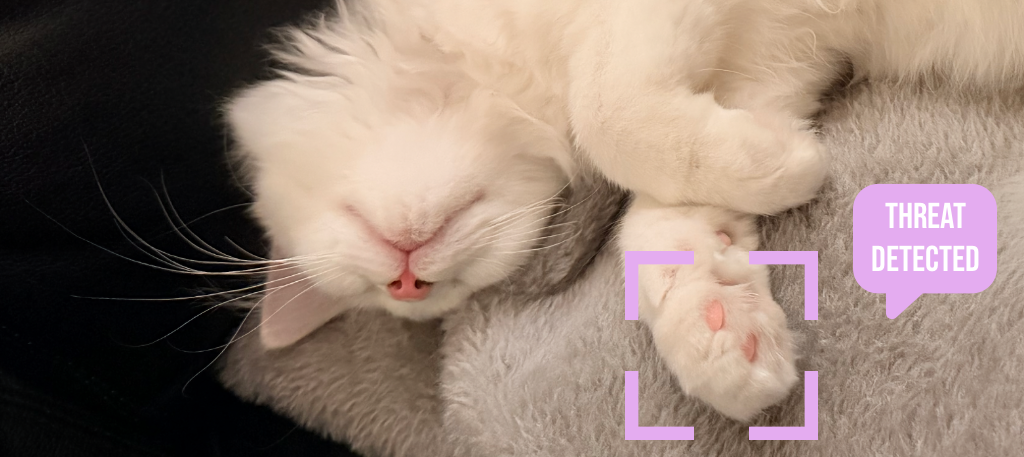
Protect your work from curious cats. Detects when your feline friend walks on your keyboard and automatically locks input.
Protect your work from curious cats. Detects when your feline friend walks on your keyboard and automatically locks input.
Every cat owner knows the struggle. CatPaws solves it elegantly.
Recognizes cat-like keyboard patterns—multiple adjacent keys pressed simultaneously—and distinguishes them from normal typing.
Blocks all keyboard input within milliseconds of detecting your cat, preventing unwanted characters in your documents.
Automatically unlocks when your cat leaves. No manual intervention needed—just seamless protection.
Lives quietly in your menu bar. Minimal footprint, maximum protection. See status at a glance.
Clear on-screen notification when keyboard is locked so you always know what's happening.
No data collection. No network access. Everything stays on your Mac. Open source for full transparency.
Simple, effective, automatic.
Download CatPaws and grant Input Monitoring and Accessibility permissions in System Settings. This allows the app to detect keyboard patterns.
When your cat steps on the keyboard, CatPaws detects the characteristic pattern of multiple adjacent keys being pressed simultaneously.
CatPaws blocks all keyboard input and shows a notification. Your work is safe from random cat-generated text.
When the keys are released, CatPaws is unlocked with a mouse click or 5 presses of the ESC key. Resume your work as if nothing happened.
Designed for modern Macs.
A quick guide to get you started.
When you first launch CatPaws, you'll see the onboarding screen. Grant Input Monitoring and Accessibility permissions in System Settings to allow CatPaws to detect keyboard patterns. The app will guide you through the process.
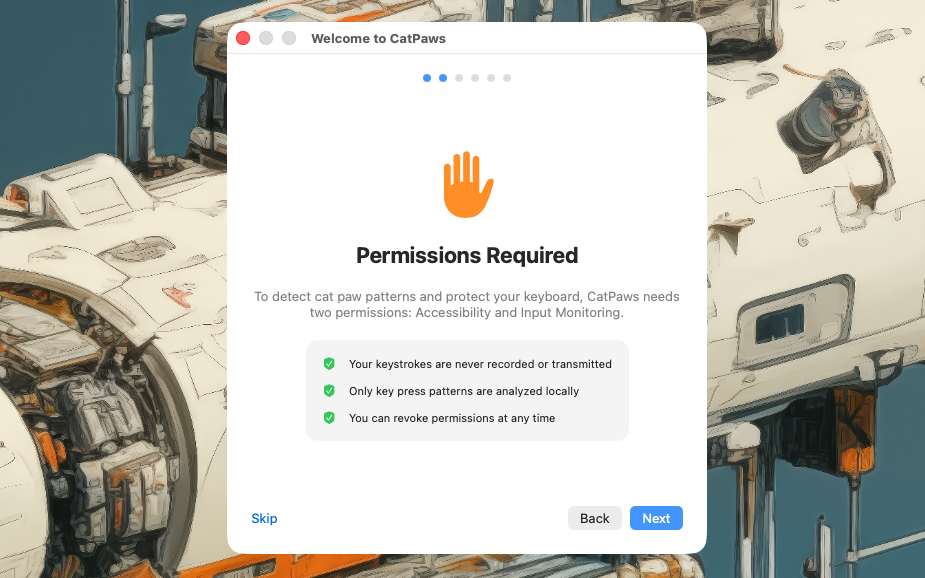 Screenshot: Onboarding
CatPaws lives in your menu bar as a small paw icon. The icon shows you the status: filled paw means active, empty paw means idle and paw with an X means missing permissions. Click it to access settings, view statistics, or quit the app. The icon changes to show when the keyboard is locked.
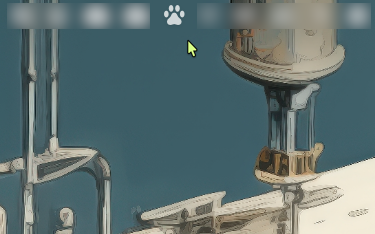 Screenshot: Menu Bar
When CatPaws detects a cat on your keyboard, it shows a friendly notification and locks keyboard input. Click the notification or press ESC 5 times in a row to unlock your keyboard.
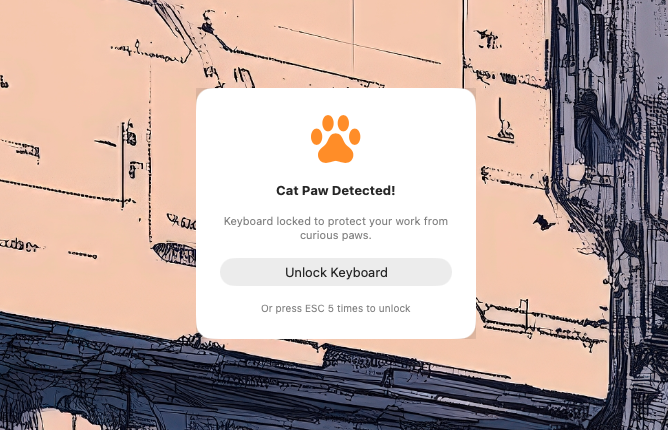 Screenshot: Lock Notification
Customize CatPaws to your preferences. Adjust detection sensitivity, enable launch at login, and configure notification behavior. Access settings from the menu bar icon.
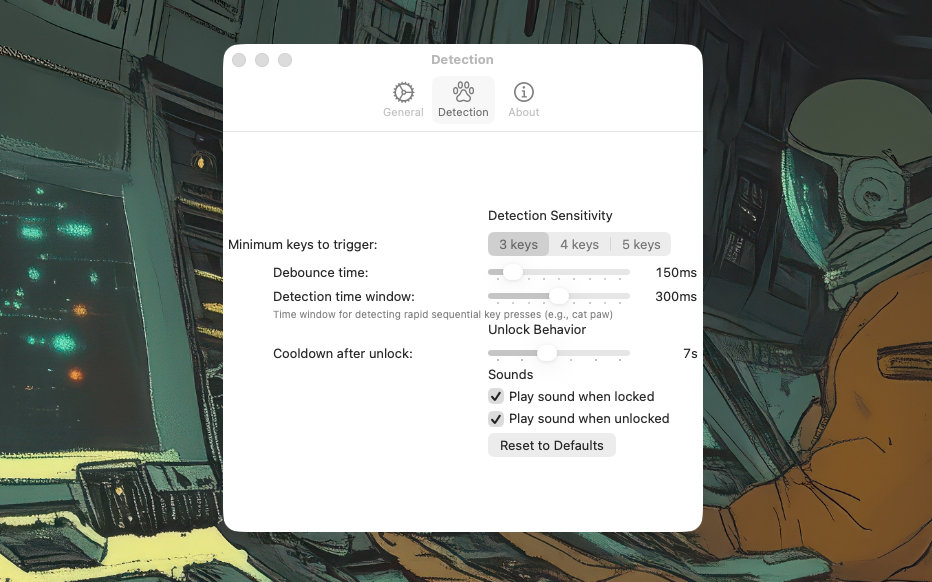 Screenshot: Settings
See how often your cat visits your keyboard! CatPaws tracks detection events and shows you statistics including total detections, today's count, and average daily visits.
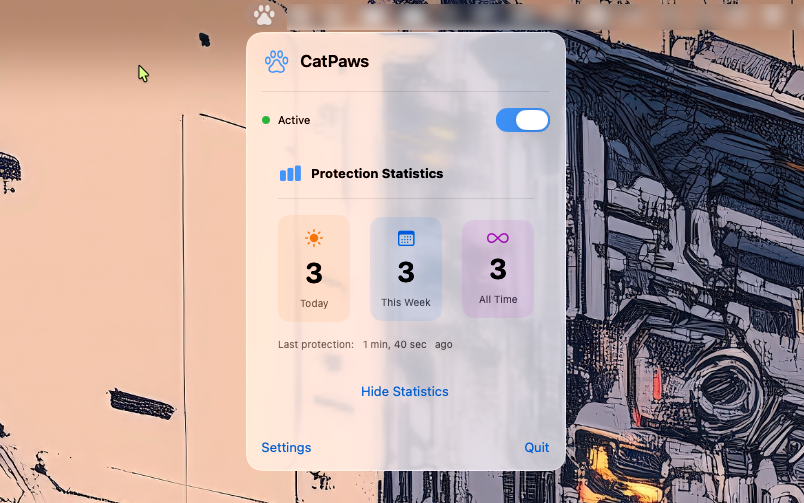 Screenshot: Statistics
Download CatPaws for free and never worry about cat-generated emails again.
CatPaws is open source and I'd love to hear from you! Found a bug? Have a feature idea? Want to contribute code? Your feedback helps make CatPaws better for everyone.
CatPaws is completely free and built as a hobby project with love (and cats). If it's saved your work from curious paws, consider buying me a coffee to fuel future development!
Buy me a coffeeor